 BackInTime
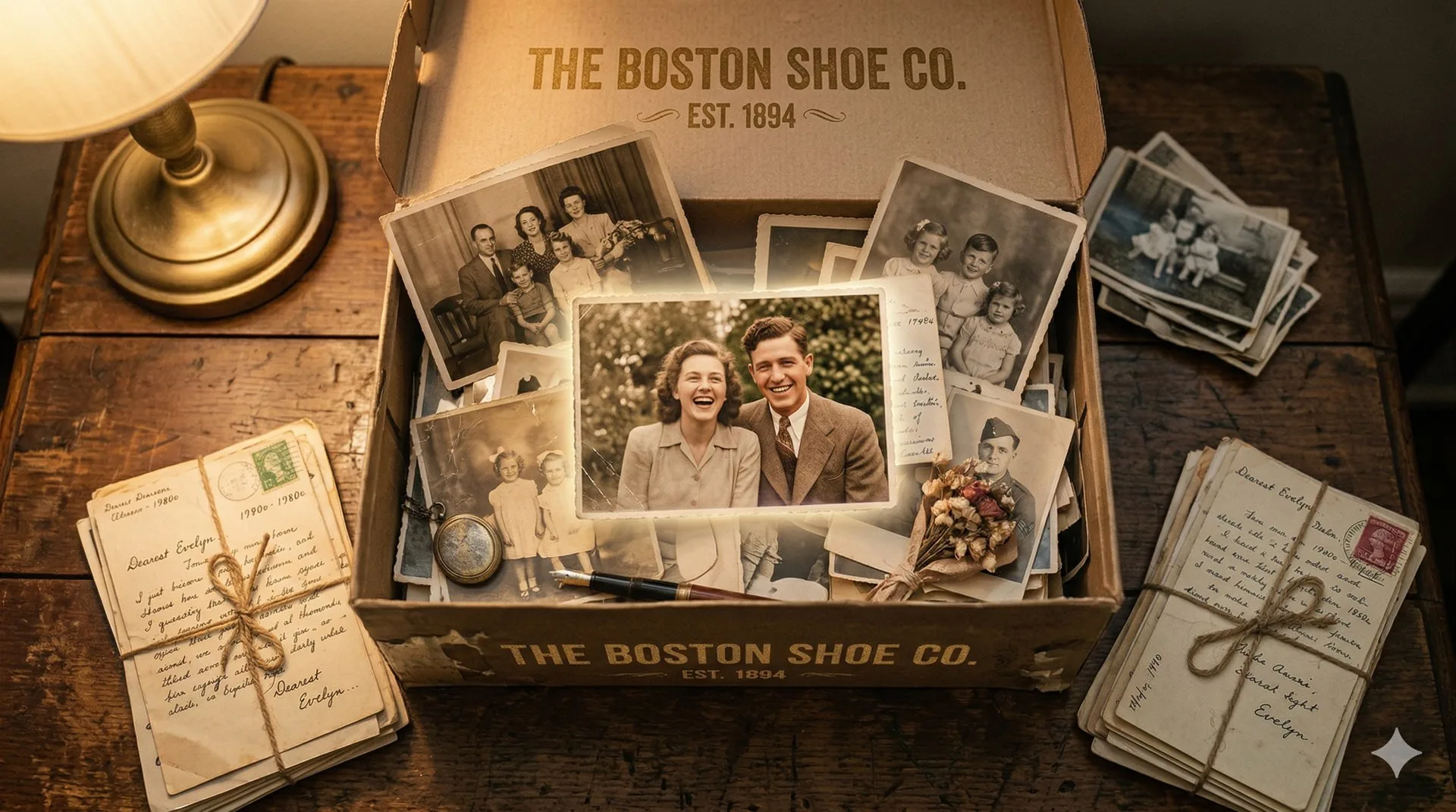
Every Photograph Tells a Story — Let’s Tell It Again
An old family album can leave you with questions. You recognise your grandparents, but who is standing beside them? Where was that family picnic? And can anything be done about the crease across the photograph?
We built BackInTime to help families restore these photos and keep the stories that go with them.
Keeping the story with the photo
A photo can be safely stored and still be hard to understand. Without names, dates, or captions, the people and places become harder to identify as memories fade.
Restoring a scan helps you see the image. Recording what your family knows about it helps the next person understand it. BackInTime brings those tasks together.
What you can do with BackInTime
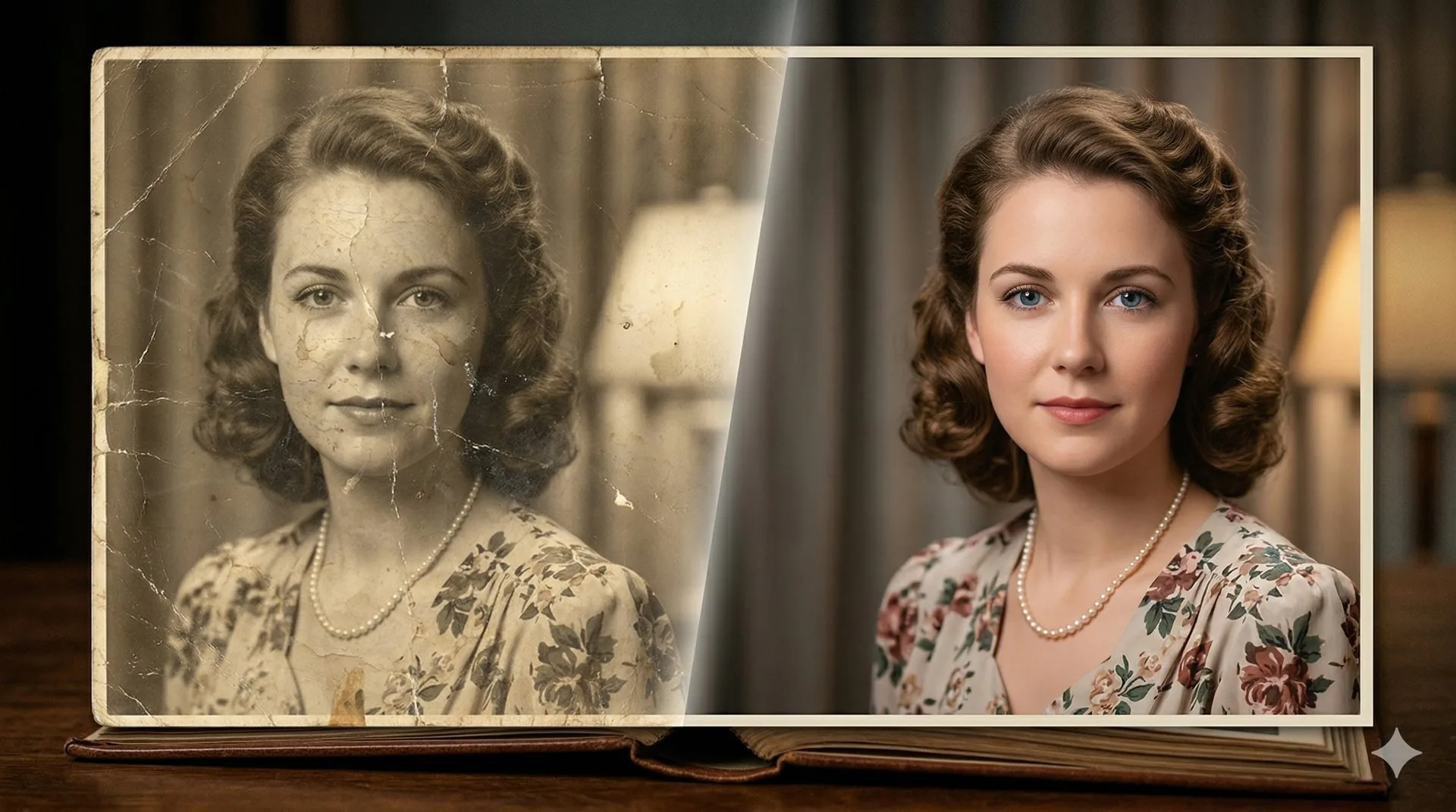
BackInTime combines AI photo restoration with storage and family storytelling tools. Its approach draws on photograph conservation: keep the original, and keep track of the work done to it.
You can reduce scratches, tears, and noise; increase resolution; fill damaged areas; or add colour. Colourisation styles include Vivid, Natural, Retro, Warm Tone, Cool Tone, and Sepia. Custom instructions let you describe the result you want.
Originals stay alongside restored versions, with version history. C2PA Content Credentials provide a tamper-evident record of processing. That record helps you follow an image’s history.
A Story groups photos with information about when and where they were taken and who appears in them. It has room for written accounts, voice notes, and AI-assisted storytelling. Stories can be private, shared with family, or contributed to community galleries.
In a shared family workspace, people can contribute, curate, or view according to their permissions. Uploading a photo to a shared Story does not transfer ownership: the uploader keeps it, including when they leave the workspace.
What to expect during restoration
We call our approach Slow AI. Restorations run through a queue, with progress updates and estimated completion times. You can report errors or flag details that the AI has generated incorrectly.
Review the result against your original. A clearer face or a convincing colour can still be wrong, so that comparison matters when you are preserving a family record.
Your photos and your consent
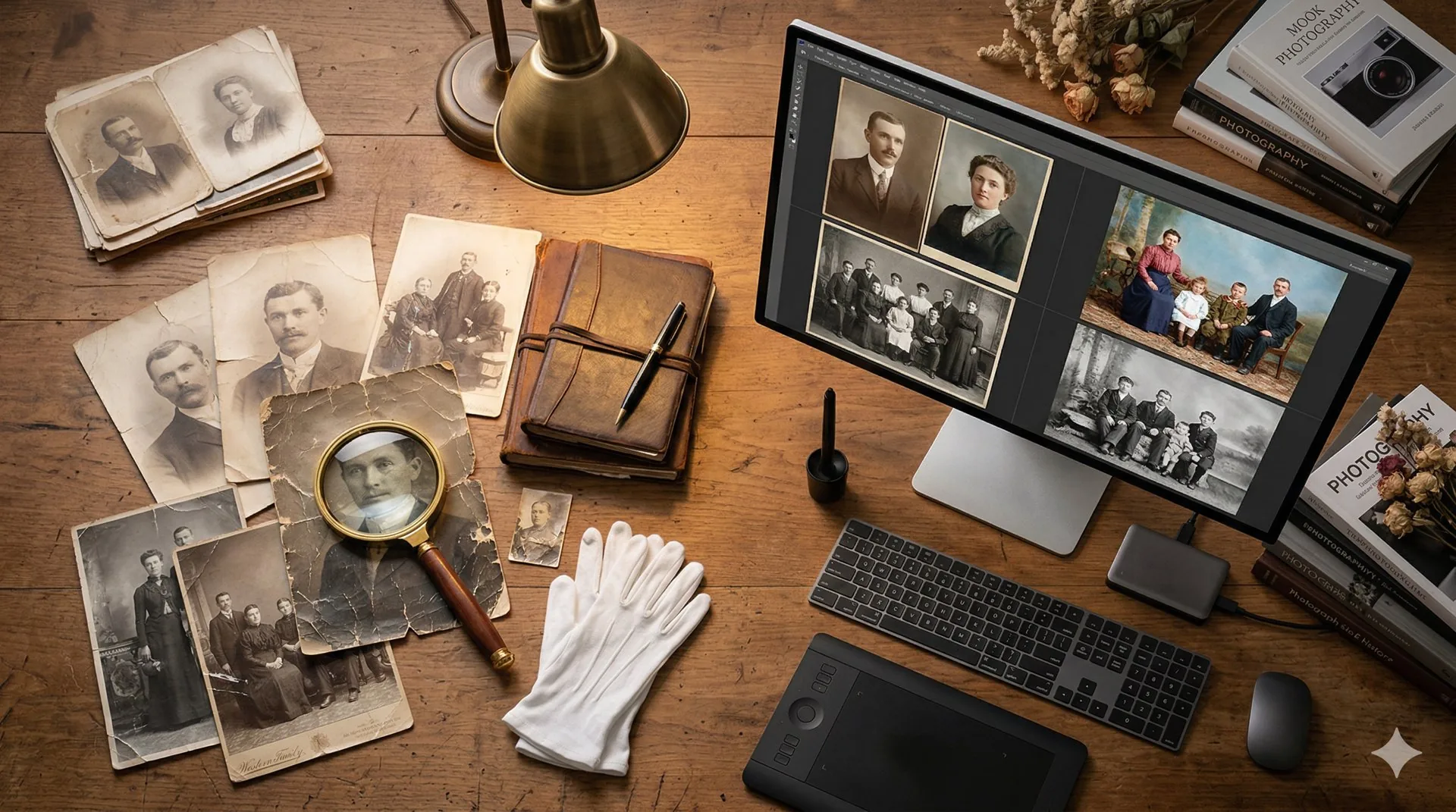
BackInTime will never sell your photos, use them for advertising, or use them to train our AI without your explicit consent. Your photographs are processed to restore them for you.
Who it is for
You might have a box of old photographs to scan, or already be the person everyone asks about family history. Perhaps you know that the woman in a picture is Aunt Mei and that the house behind her was demolished in 1978. Keeping those details with the photo makes them available to the rest of the family.
Genealogy enthusiasts can organise photos with dates, places, relationships, and provenance. A restored portrait can also become a birthday gift, a wedding keepsake, or part of a family reunion. Local museums, schools, libraries, and photo labs have similar needs when digitising their collections.
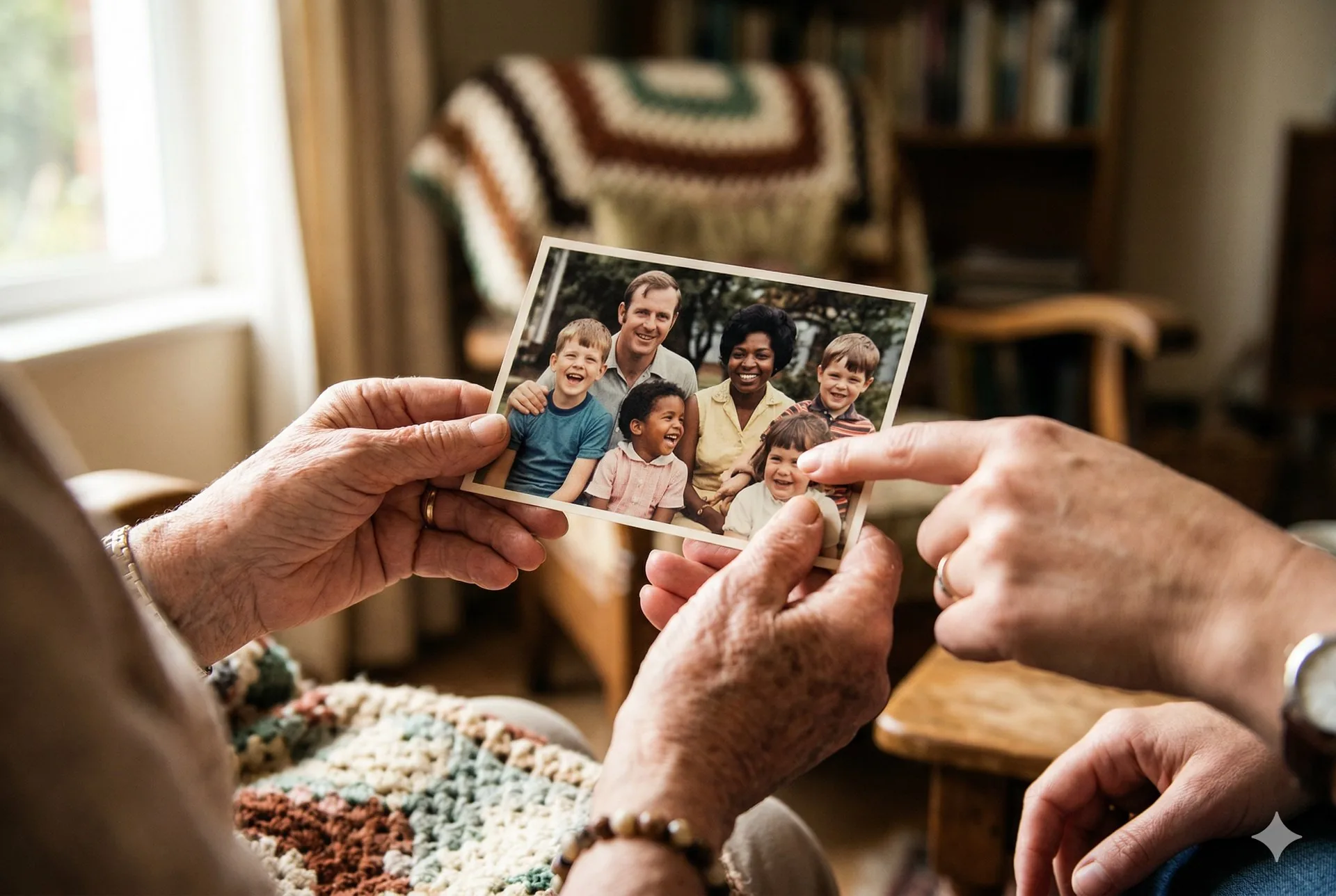
Use it on your phone or computer
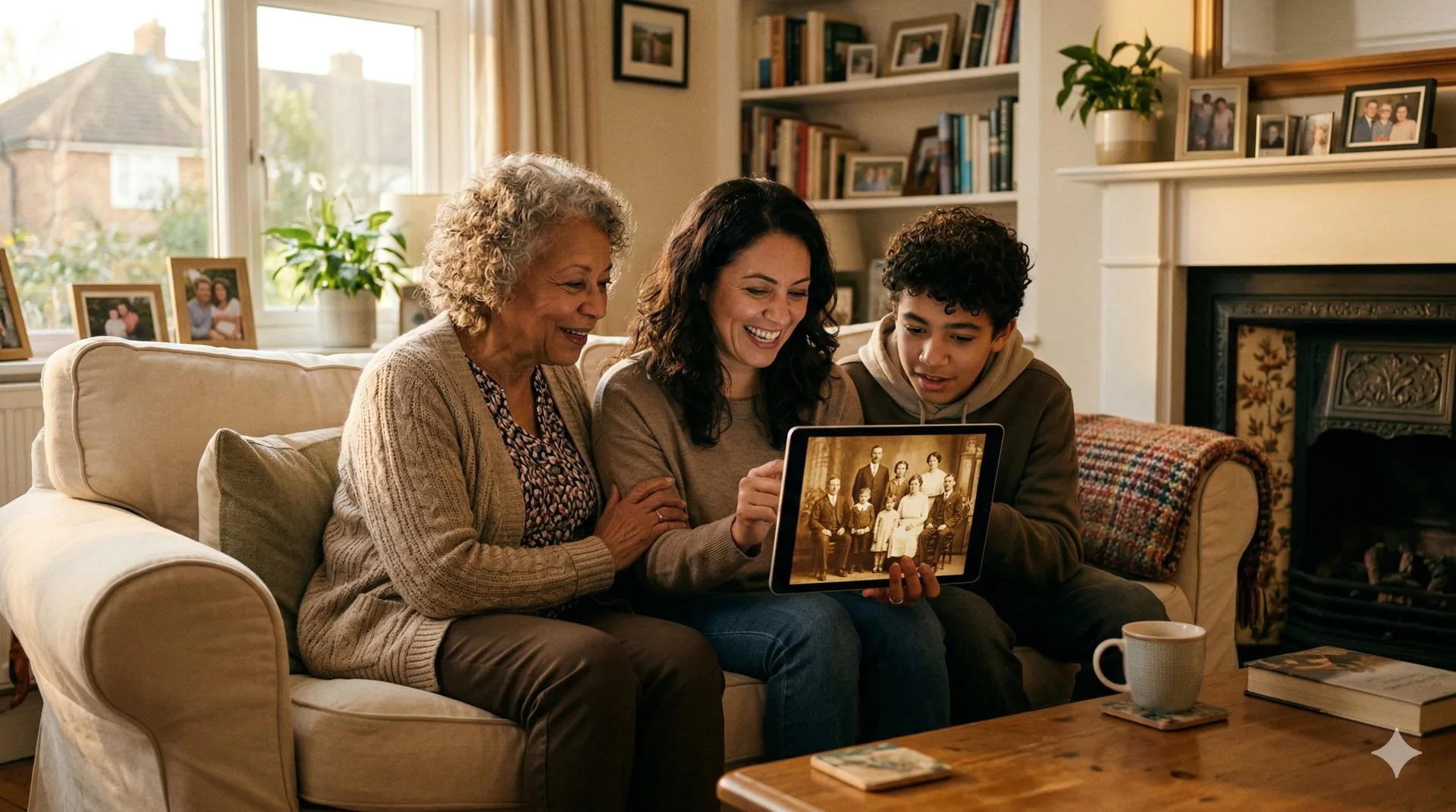
BackInTime is available on the web, iOS, and Android. You can start a restoration during a family visit, add context on your laptop, and share the finished Story.
Start with one photo
Choose a photograph you would like to see more clearly. It might be a wedding portrait or an everyday snapshot with a crease down the middle. Keep the original: restoration gives you another version to view and share.
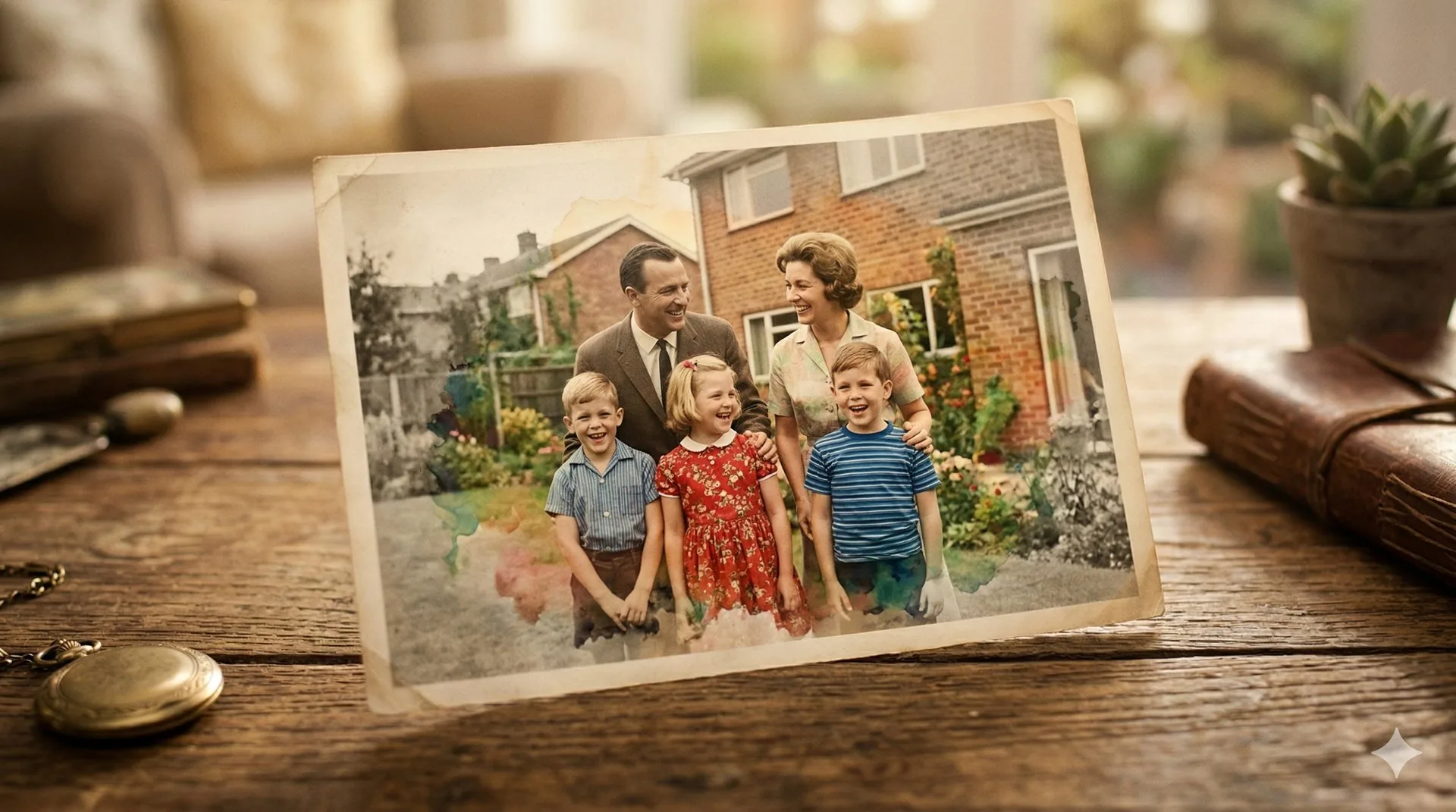
Visit backintime.app, upload your photo, and choose how you would like it restored.